LightUp
AI-Powered Annotations for every page on the web. January 2026

Project Overview

The Space Between
The web is built for publishing, not to comprehend. When a page assumes you know everything, you leave, copy text, open a new tab, search, skim, and try to return. In the process, you lose more than time; you lose state, the question, the momentum. The problem isn’t finding answers; it’s that finding them requires leaving. What if understanding happened on the same page, in the same breath? That is simply where LightUp lives.
The Cost of Leaving
The “space between” isn’t just poetic description. It’s measurable and decades of cognitive‑science work show a real switch cost, after a task change, we respond slower and make more errors, even when we know the switch is coming. Monsell, 2003 (Trends in Cognitive Sciences)
In workplace‑like interruption studies, people may finish faster, but report higher stress, time pressure, and effort—attention pays the bill. Mark et al., CHI 2008
And in broader media‑multitasking research, frequent switchers show weaker task‑switching performance and greater interference. Ophir, Nass, & Wagner, 2009 (PNAS)
Boxes Inside Boxes
For a while, I was a user of Genius.com. I loved the idea of clicking lyrics to understand their meaning and context. Over time, I noticed a pattern in myself: whenever I read a line on the web I didn't fully get, I felt a pull to know, almost like I wanted to click on it for context. But I always satisfied that urge the same way: leave the page, search somewhere else, then return.
Somewhere in that routine, the idea of real-time annotation and getting context without leaving started to make sense. That's when "boxes inside boxes" as a concept resonate with me. Not just as a metaphor, but a model for knowledge: nested layers you can open on demand. The phrase became a vessel, a shape to hold an idea I wanted to build toward, even before I knew exactly what it was or what it would look like.
What Had to Be True
With the model taking shape, I set constraints to guide the direction—not to limit creativity, but to steer it:
- Reduce context switches. Get answers without leaving the page.
- Preserve flow. Under 3 seconds from highlight to insight.
- Earn attention organically. Let the product speak for itself.
One Moment, Many Tensions
What makes browser extensions strange is that you're building on someone else's canvas. Every website has different fonts, colors, moods. You don't control any of it. You have to appear without jarring, adapt to infinite contexts, and disappear completely when not needed.
That single moment when you select text and LightUp appears, contains every design decision. The two constraints: stay on page and preserve flow. live inside that moment. And every decision exists in tension.
Consistent vs. Adaptive
Have identity, but fit anywhere.
Dark sites, light sites. Dense academic papers, minimal landing pages. Aggressive security policies, weird font stacks. LightUp had to look like itself while never breaking the page it lived on.
The brand carries the same tension. The logo is an eclipse, light returning after darkness. In Arabic: الكسوف (al-kusuf). The imagery draws from thinkers across history—philosophers, scientists, builders. Not decoration. Lineage. Knowledge building on knowledge, like boxes inside boxes.
Present vs. Invisible
Be helpful, but never intrusive.
Agency belongs to the reader, not the interface. The tool should wait, attentive, not insistent. Present when invited. Invisible otherwise.
Powerful vs. Simple
AI is complex, the interface can't be.
Highlight any text → a compact popup appears with clear options: Explain, Summarize, Translate, no noise.
But beneath this simplicity lives real depth. Gemini, Grok, OpenAI, and 10+ local AI providers. Context-awareness that understands the page you're reading. Customizable popup positions, highlight colors, and behavior toggles.
The popup has a simple design on the surface, but if you want more, there's a way to enter and see the real capability of the extension. None of it clutters the main experience.
Building on Someone Else's Canvas
Accept the platform as law, then push the edges inside it.
The tensions above shaped the design. But Chrome's environment shaped the engineering—through constraints I had to treat as laws.
While I was working on LightUp, The Browser Company was teasing Dia, their AI-first browser. They had been hinting at a more AI-centric product since October 2024 and then, on December 2, 2024, properly revealed Dia—two days before LightUp's first public beta.
Watching a team with real capital go all-in on owning the browser itself made something obvious feel concrete: platforms are one of the most powerful forms of leverage in modern networked economies. If you own the canvas, you decide what tools and behaviors are even possible on top of it.
LightUp chooses a different kind of leverage. It doesn't own the browser; it specializes in being the intelligent layer that slips into whatever browser people already use. Rather than trying to compete with The Browser Company, I treated Chrome as a hard boundary and focused on building the sharpest possible tool inside that constraint.
That choice hardened into a few non‑negotiable rules for how LightUp behaves inside Chrome.
Don't exist until needed. Extensions can slow everything down. The content script that loads on every page must be small. The full React app only injects when you interact. Memory stays near zero most of the time.
Never touch the host. Shadow DOM encapsulation keeps my styles mine and theirs theirs. No CSS bleeding in or out.
Privacy by structure, not policy. Conversations live in a Session Memory, never written to disk or synced. When the tab closes, everything disappears.
What I Learned
From building for myself to building for the people actually using it.
I started building for myself. It's a solid first block—but not a foundation you can keep building on alone.
"My way is the right way." That's the exact trap of building only for yourself—your preferences feel universal until real people push back. The first version fired automatically—highlight text, popup appears. I loved it. Users hated it. They wanted to highlight without being interrupted. So I added choice: auto-popup or a subtle icon that waits. My preference didn't get to be the default.
"Everyone knows this." I made API keys required to start. Trivial to me—just paste it in. For non-technical users, it was a wall. I added a free tier: limited daily actions, no configuration needed. Try first. Configure later.
Attention is the product. I thought I was saving time. I was actually protecting state—the thread, the momentum, the focus. A tool that saves seconds but shatters concentration is worse than nothing.
Features are taxes. Every addition costs something. Retention improved when I removed things. The product became more useful by refusing to add more.
Intuition is hypothesis. Gut feelings start the work. Feedback finishes it. You can't shortcut your way to product sense—you have to build, ship, and watch what actually happens.
Building product is one of the hardest and most rewarding things you can do. It isn't just design or code—it's the messy, deeper work of stitching together judgment, tradeoffs, and care into something people invite into their lives.
One Question, Taken Seriously
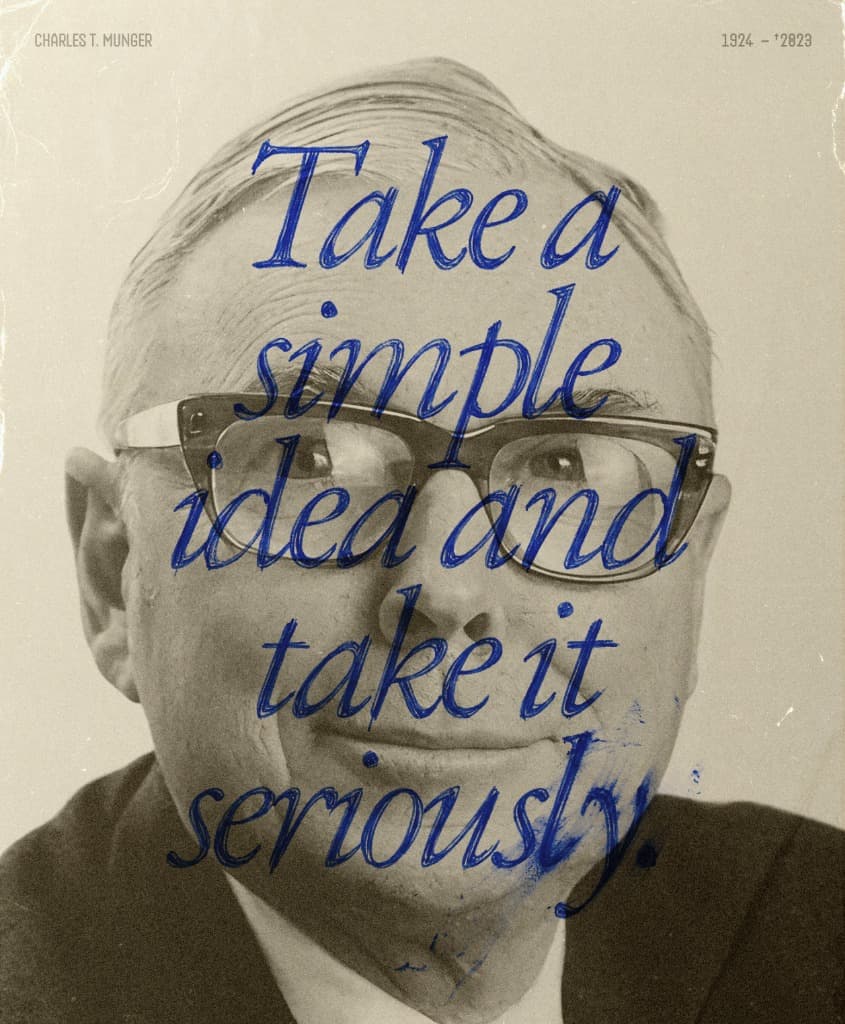
[Charlie Munger (1924–2023) — image source: [@Prof_Kalkyl]
Most of what makes a product clear is what you leave out.
Every feature request, every "what if we also" I measured it against one filter. If it didn't directly serve the reader's focus, it didn't ship.
That discipline came from somewhere. Charlie Munger's advice—take a simple idea and take it seriously—became the frame.
The constraints I set early only held because I kept asking the same question underneath them. Constraints without conviction crumble at the first push.
Resonance
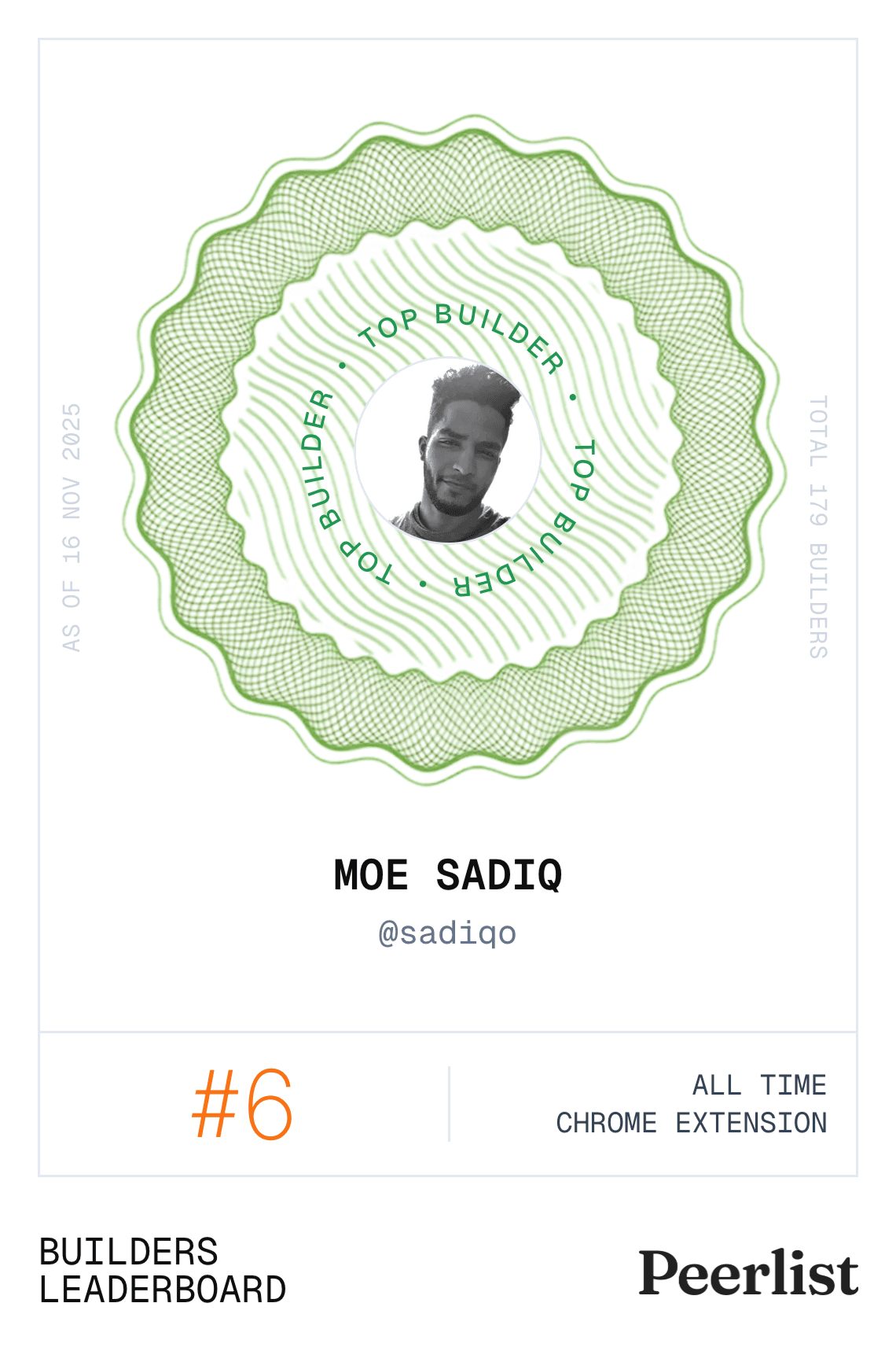
Peerlist ranks
Project of the day on Peerlist. Listed among the top 9 AI data annotation tools on SaaSHub in 2025 and recognized in the "Best Data Annotation Products in 2026" list. Featured in AI directories like AITrendyTools. Featured on TrendHunter - the world's #1 trend spotting platform with millions of readers - for AI-powered web annotations. Recognized as a top‑10 builder among 170,000 on a global platform.
Students using it to stay with dense pages, a teacher introducing LightUp to an entire class, A CEO cold‑emailing, taking time out of his day just to say thank you. Those are the kinds of responses you can't really put a price on.
It even landed with a few people I genuinely respect—builders in San Francisco pushing at the frontier—who reached out or shared it unprompted. That’s the kind of endorsement you don’t forget.
References
- Live projecthttps://www.boimaginations.com/lightup
- Chrome Storehttps://chromewebstore.google.com/detail/lightup-ai-powered-web-an/pncapgeoeedlfppkohlbelelkkihikel
- GitHub Rephttps://github.com/mohamedsadiq/LightUp
- Peerlisthttps://peerlist.io/sadiqo/project/lightup